Idea pages
It started as pages of questions, not screens. Every page became a flow.
Page 1 · first week
- Who holds the scanner?
- What happens when a carton has no label?
- Which steps can be skipped when the truck is already at the dock?
- How does a put-away get confirmed with one hand?
The flow, as sketched
Architecture decisions
Built in Flutter: four colours, four fonts, two writing directions, and no screen knows about any of it.
- Framework
- Flutter and Dart, one codebase for iOS, Android and web, Material widgets as the base
- Theming
- ChangeNotifier provider, persisted, swaps colour, font and size app-wide
- Routing
- One routes table, 36 named routes, no screen imports another screen
- Localization
- ARB files for English and Arabic, full RTL via Directionality
- Tokens
- AppTheme constants for colour, radius, spacing and type
- State
- Screens stay dumb; data flows through models in the data layer
Code
Tokens first, then widgets, then screens. The theme file is the contract every screen signs.
class AppTheme {
  static const Color primaryColor   = Color(0xFF155096);
  static const Color backgroundColor = Color(0xFFE8F0FB);

  static const double borderRadiusMedium = 12.0;
  static const double borderRadiusHeader = 40.0;

  static const double spacingSmall  = 8.0;
  static const double spacingLarge  = 16.0;

  static const double headerFontSize = 20.0;
  static const double bodyFontSize   = 14.0;
}

class ThemeProvider with ChangeNotifier {
  void setColor(AppColor c)  { _color = c;  _save(); notifyListeners(); }
  void setFont(AppFont f)    { _font = f;   _save(); notifyListeners(); }
  void setLocale(Locale l)   { _locale = l; _save(); notifyListeners(); }
}
Application outline
Thirty-five screens in six groups. Each group is a folder, each screen a route.
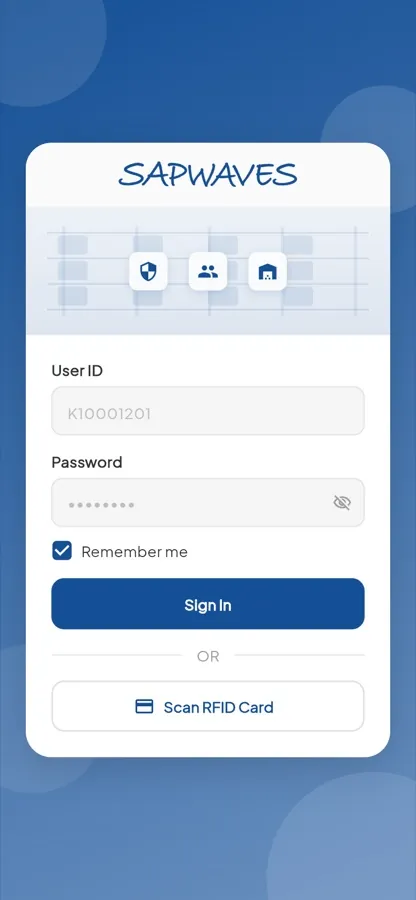
Auth
- Login
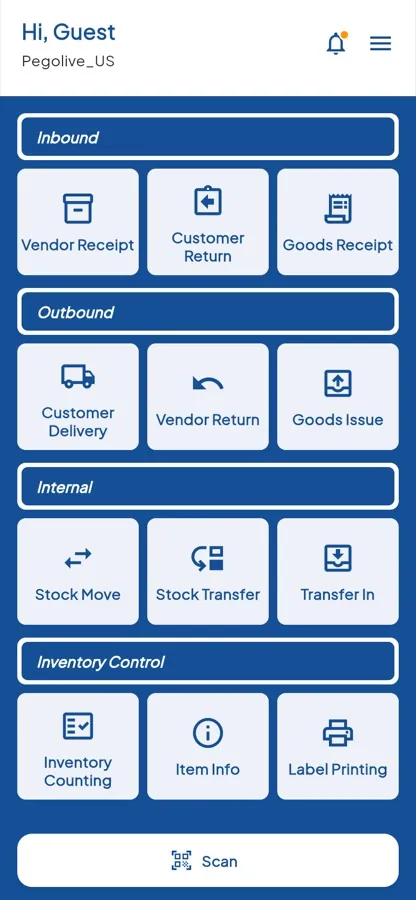
Home
- Screen selector
- Home
- Navigation menu
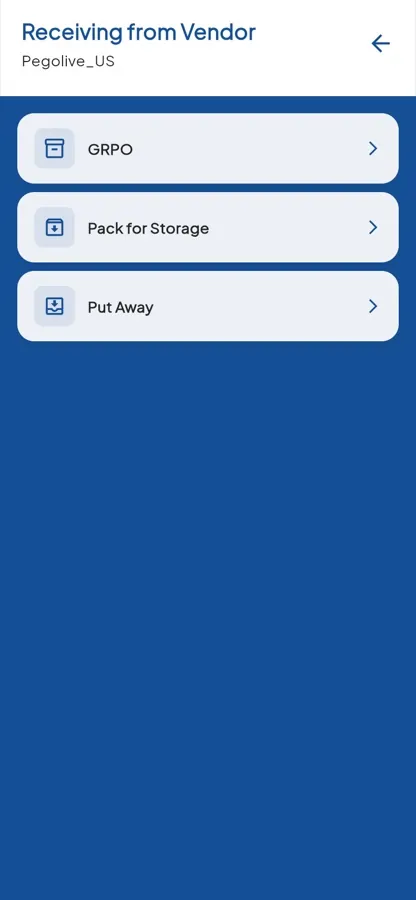
Inbound
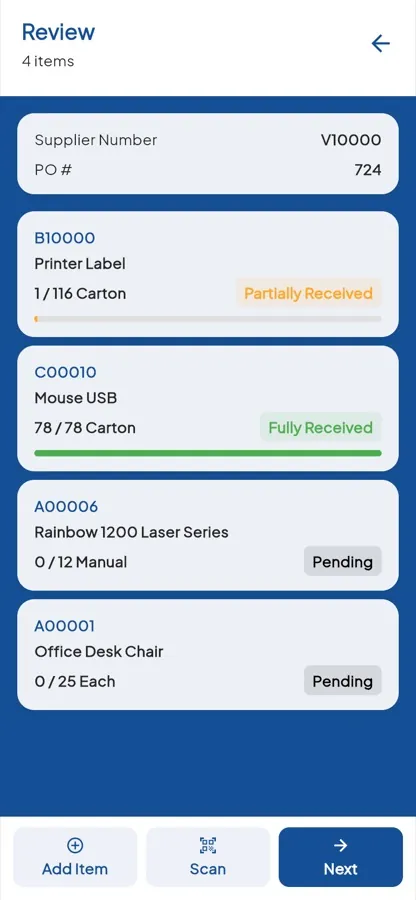
- Receiving from vendor
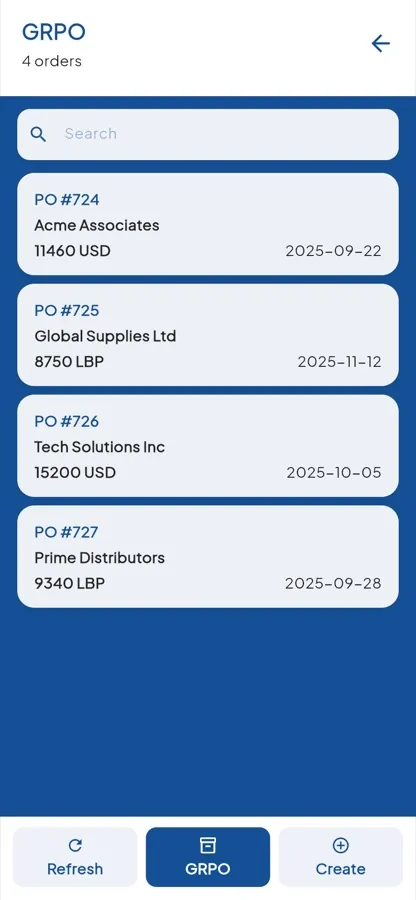
- GRPO
- GRPO details
- GRPO review
- GRPO finalization
- Suppliers
Storage
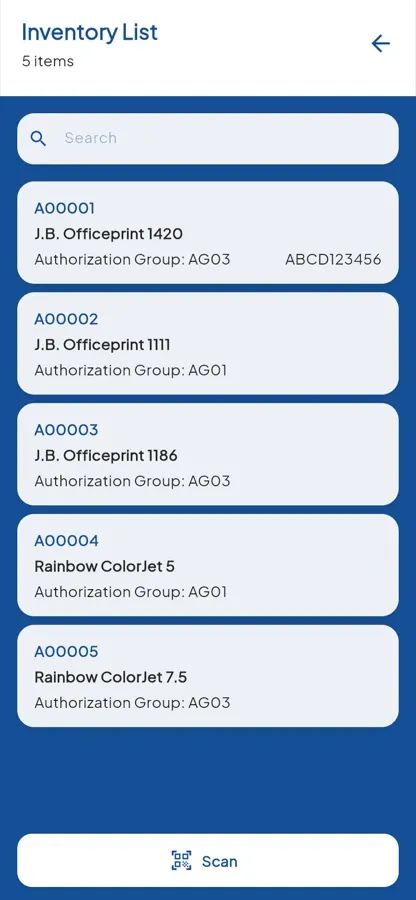
- Inventory list
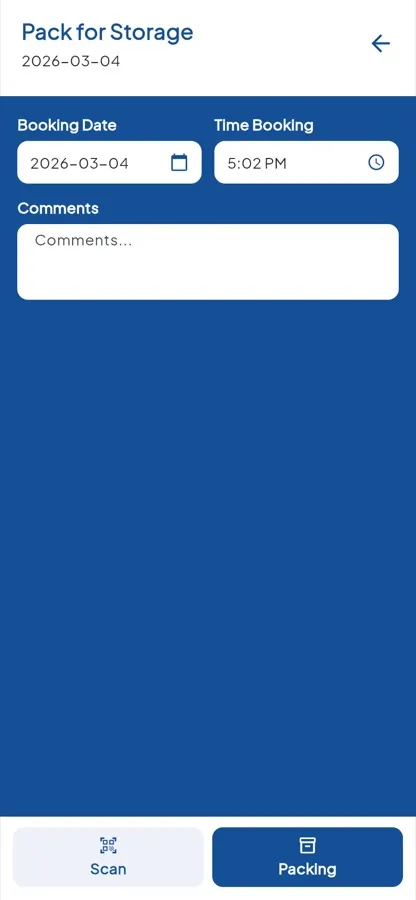
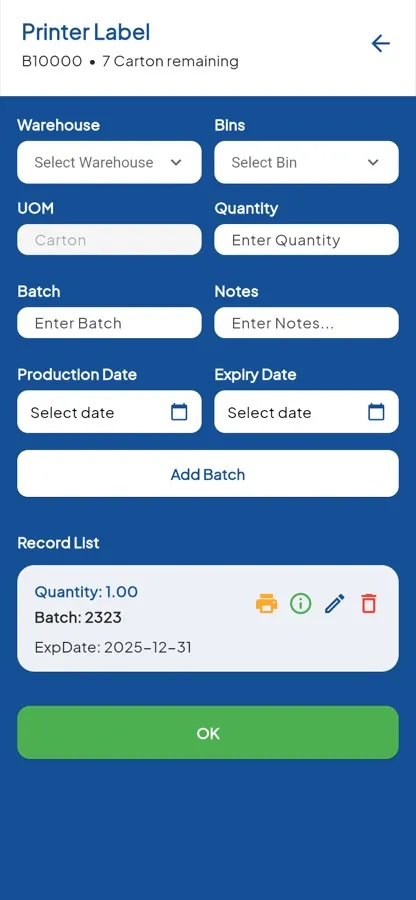
- Pack for storage
- Pack list
- Packaging
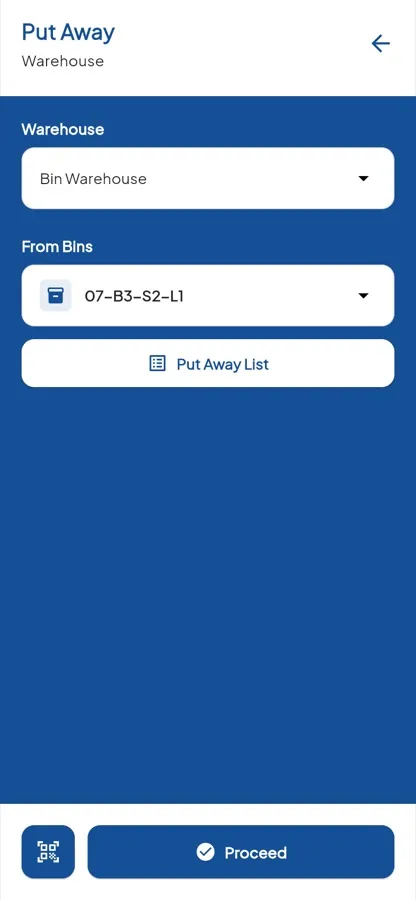
- Put away
- Carton list
- Put-away confirmation
- Item batch details
- Package print list
- Add status
Admin
- Administration
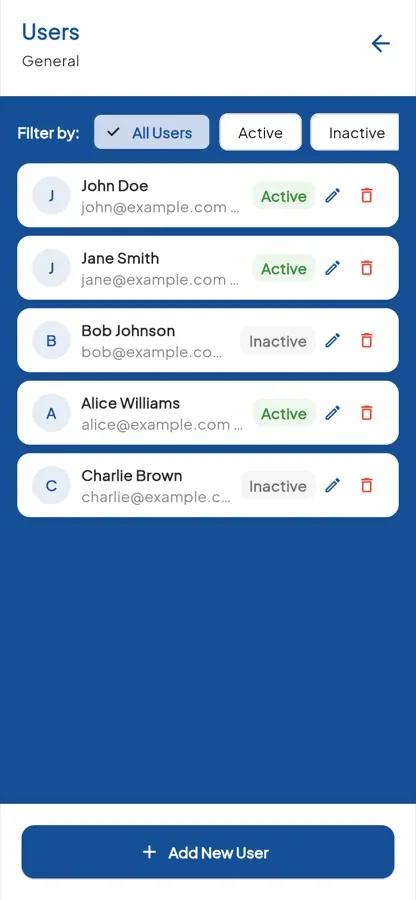
- Users
- User form
- Synchronization
- Import
- Export
- Authorizations
- Authorization details
- Company settings
- Company form
Settings
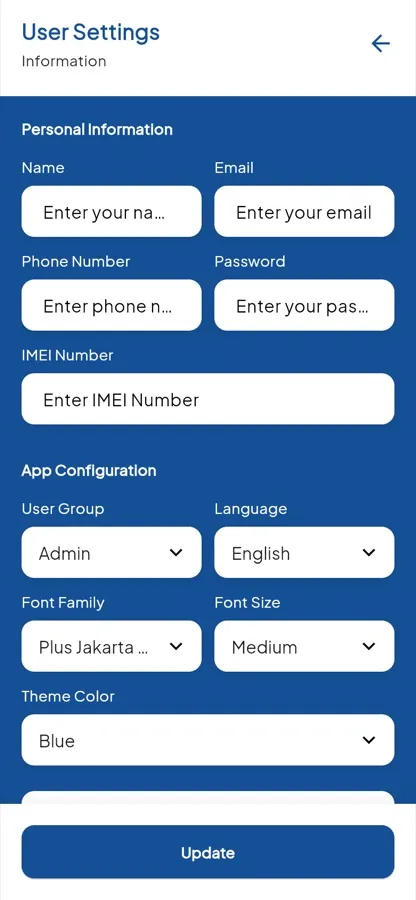
- Settings
- Profile
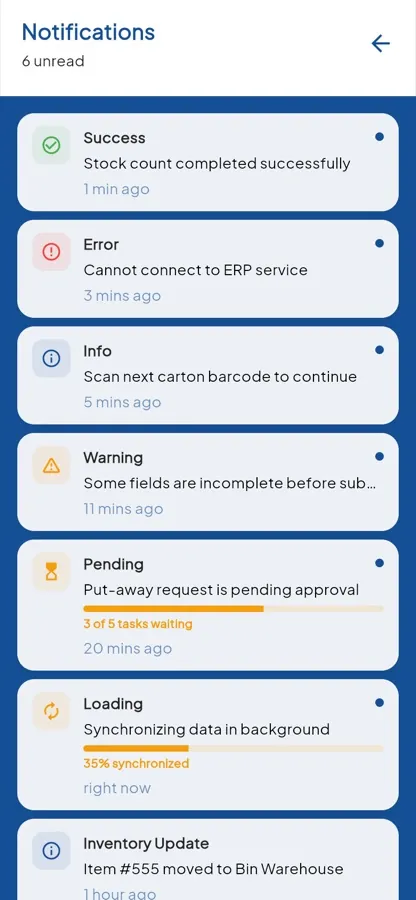
- Notifications
- Notification demo
- Widgets demo
Full design
The finished screens.